How to Launch a New Podcast: A First Week Checklist
By The OnlyCasts team3 min read
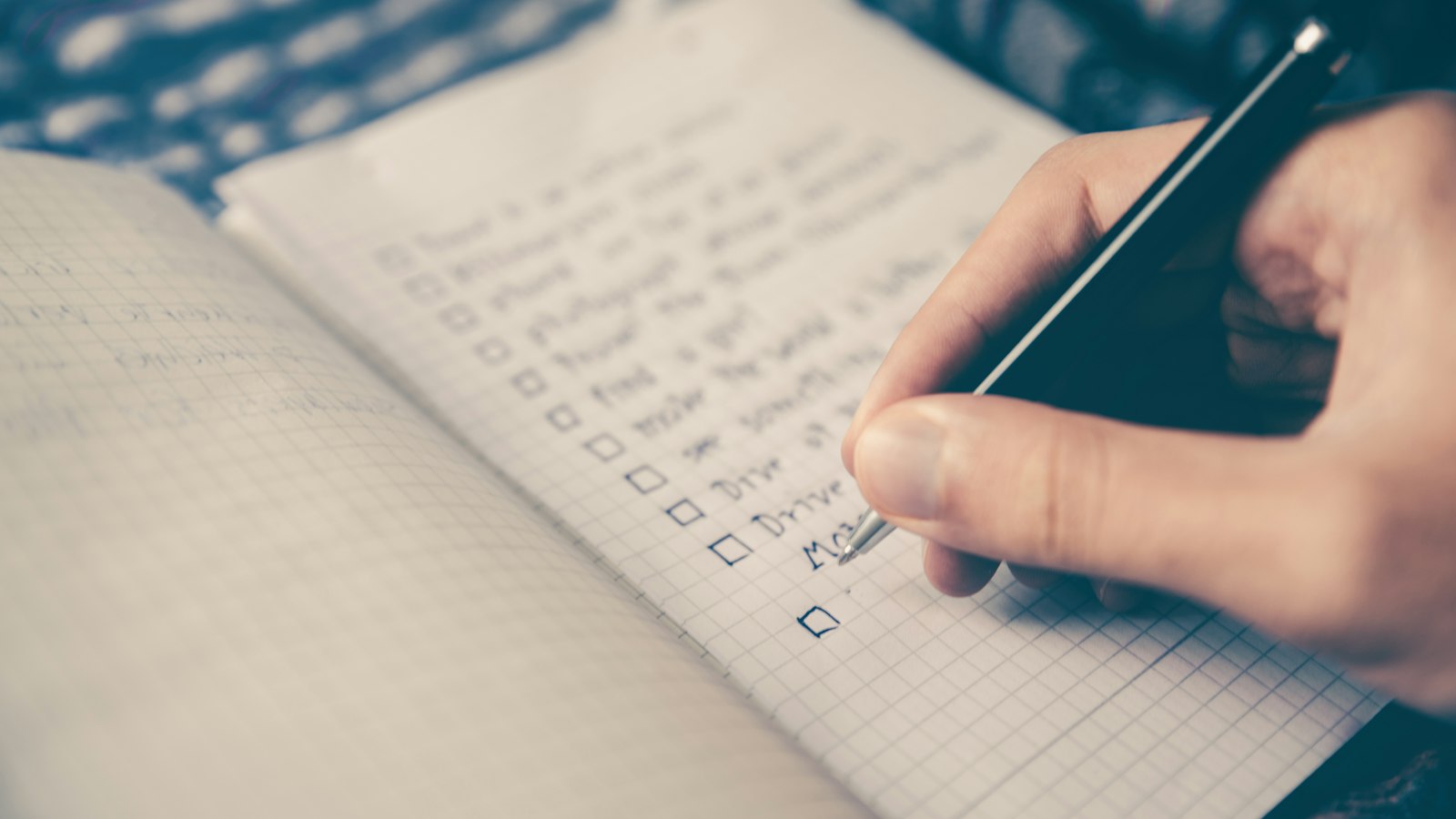
A launch is not one big moment. It is a few days of small, specific jobs that make it easy for the right people to find your show and keep listening. Here is a plan you can follow, whether your show is about business, books or beekeeping.
Before launch day
Record at least three episodes
A new listener who likes the first episode will want a second one right away. If there is nothing else, they drift off. Having three ready to go gives them something to keep playing, and it gives you a head start on a schedule.
Make a trailer
A trailer is a short episode, usually one to two minutes, that tells a stranger what the show is about and why to listen. Mark it as a trailer episode type so apps handle it correctly. It is also the easiest thing to share on social media.
Finish the basics
- A clear title and a description that says who the show is for.
- Cover art at the right size, as covered in our guide to cover art.
- A category, a language and the correct explicit setting.
- An owner email you can open.
Check your feed
Open your feed address in a browser and read it. Check the title, artwork and each episode. OnlyCasts runs a feed check on the Distribution page that lists anything to fix before you send the show anywhere.
Day 1: Submit to the directories
Submit to Apple Podcasts, Spotify and the other directories. Our guide to submitting your podcast covers each one. Directories can take a few hours to a few days to approve a show, so start early, and do not announce anything until the show is actually live.
Day 2 and 3: Wait and prepare
- Write the post or message you will use to announce the show, and two or three shorter versions for different places.
- Pick two or three quotes or moments from the episodes that stand on their own.
- Tell a handful of people who will listen and care. Ask each of them to press play on launch day.
Launch day
- Confirm the show is live in the apps you care about.
- Send your announcement everywhere you have an audience. Link to your show's public listener page, which works in any browser and lists links to the apps.
- Ask people directly. Personal messages bring far more listeners than a post to everyone.
- Publish the first episodes on the same day, so there is something to keep playing.
Day 4 to 6: Keep the momentum
- Share a short clip or quote from an episode each day.
- Reply to everyone who tells you they listened.
- Ask a few early listeners to leave an honest rating or review. Never offer a reward for one.
- Mention your guests and tag them. Guests often share the episode with their own audience.
Day 7: Look at the first numbers
Check your downloads for the week. A small number is normal for a new show, and it is a starting point to compare against, not a verdict. Write the figure down. Our guide to reading podcast statistics explains what the numbers do and do not tell you.
What not to do
- Do not buy downloads or reviews. They do not bring listeners, and they can get a show removed.
- Do not launch with one episode and a gap of a month before the next.
- Do not wait for a perfect cover or perfect audio. Good enough, published, beats perfect and late.
The checklist in one place
- Three episodes and a trailer recorded.
- Title, description, cover art, category and owner email done.
- Feed checked.
- Submitted to the directories.
- Announcement written, and a few listeners lined up.
- Launch day announcement sent.
- A schedule for the next four weeks.