How to Record Clean Podcast Audio Without Expensive Gear
By The OnlyCasts team3 min read
Good sound is mostly about where and how you record, not how much you spend. A modest microphone in a quiet, soft room will sound better than an expensive one in an echoing kitchen. Here is how to get clean audio with what you already have.
Fix the room first
Hard, bare surfaces bounce your voice around and create echo, which no editing tool removes well. Soft things absorb sound.
- Pick the smallest, softest room you have. A bedroom or a walk in closet full of clothes is often better than a living room.
- Add soft materials. Curtains, rugs, blankets, cushions and bookshelves all help.
- Turn off noise makers. Fans, air conditioners, fridges and phone notifications all show up in a recording.
- Do a test. Record 30 seconds, put on headphones and listen for hum, echo and background noise before you start the real session.
Choose a simple microphone
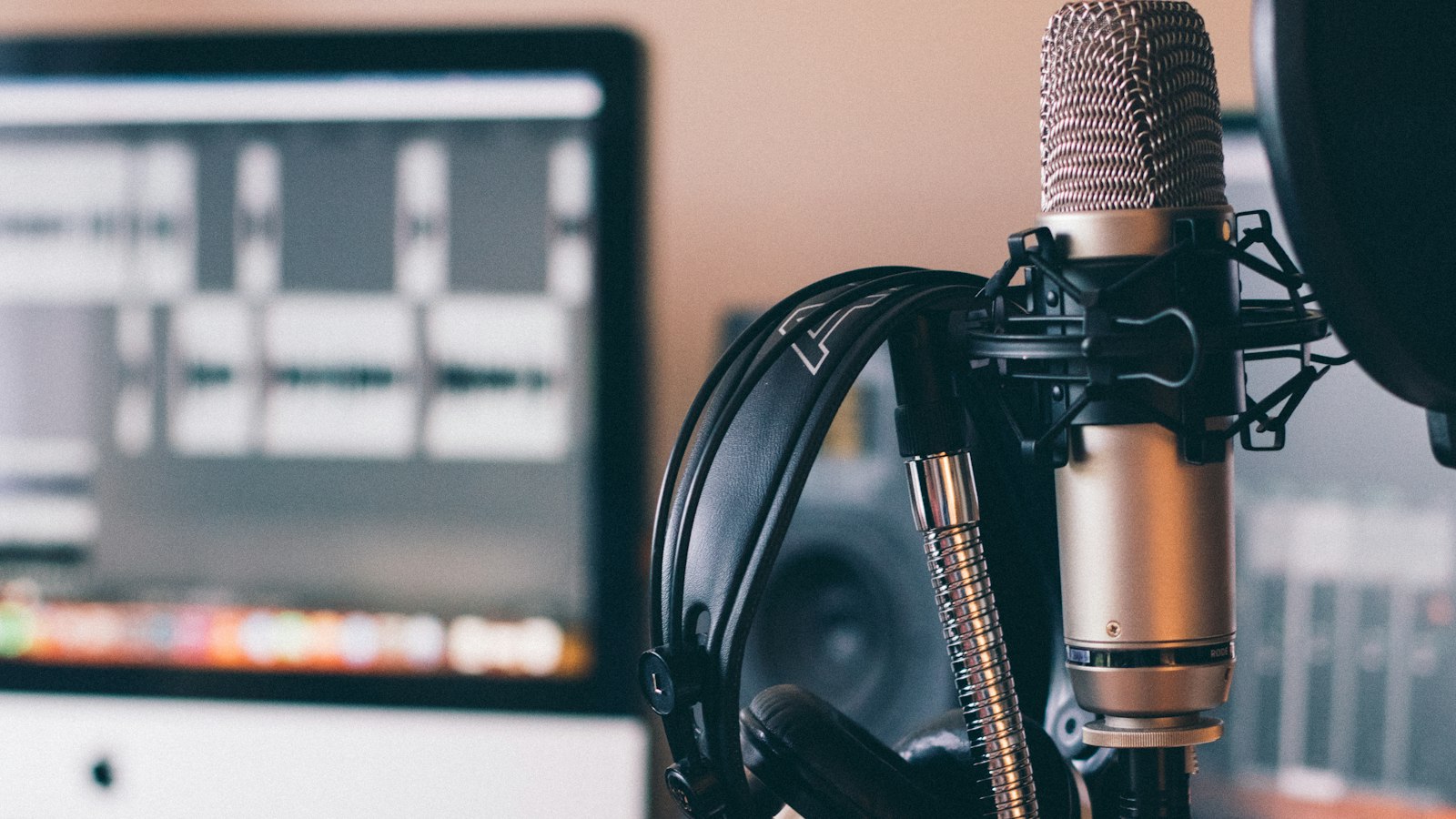
For a first microphone, a USB dynamic microphone is a safe choice. Dynamic microphones pick up the sound right in front of them and ignore most of the room, which is what you want at home. A wired headset microphone is better than a laptop's built in microphone, which sits too far from your mouth and hears everything.
Mind your distance
Keep your mouth about a hand's width, or 10 to 15 centimetres, from the microphone, and speak slightly across it rather than straight into it. Too far away and you sound distant and roomy. Too close and every "p" and "b" pops. A foam cover or a pop filter helps with the pops.
Wear headphones
Headphones let you hear what is being recorded as you record it. They also stop a guest's voice from leaking into your microphone. Wired headphones are the safest choice, since wireless ones can lag.
Set your levels
Levels are how loud the recording is. Too quiet and you will add noise when you turn it up. Too loud and the sound distorts, which cannot be fixed. Speak at your normal volume, and set the level so that the loudest parts reach about the upper middle of the meter, and never the top. If the meter turns red, turn the input down.
Record guests well
- Ask each person to use headphones, so they do not hear you through their speakers and send it back.
- If you can, ask each guest to record their own side on their own device, and send you the file. Joining the files gives much better sound than a recorded call.
- Do a short sound check first.
- Ask people to avoid speakerphone and loud rooms.
Edit for clarity
- Cut false starts, long pauses and coughs.
- Reduce steady background noise, such as a hum, gently. Heavy noise reduction makes voices sound watery.
- Even out the loudness between speakers.
- Listen to the whole thing once, on headphones, before you publish.
Export in a sensible format
Export an MP3. A common loudness target for podcasts is about minus 16 LUFS for stereo and minus 19 LUFS for mono, which keeps your show at a similar volume to others. For speech, 64 to 96 kbps mono or 128 kbps stereo is plenty, and smaller files save you storage, as we explain in our storage guide.
Remember
Listeners forgive plain production and a simple setup. They do not forgive noise that makes a show tiring to hear. A quiet room, a close microphone, headphones and sensible levels get you most of the way there.